








Professional Mobile Photography Tricks for Instagram
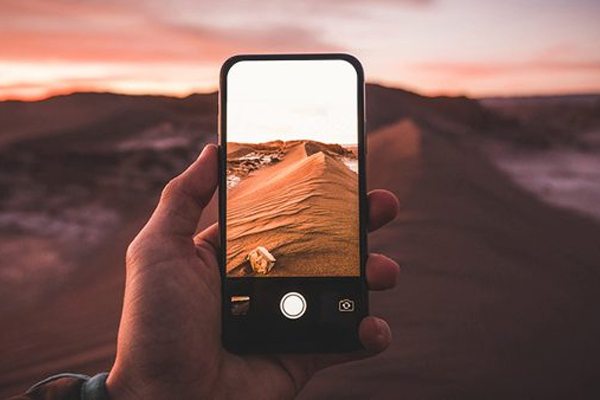
Instagram is a completely visual platform, and the quality of photos plays an important role in attracting the audience. Fortunately, to produce professional photos specifically for Instagram, there is no need for expensive cameras. By knowing a few simple mobile photography tricks, you can capture attractive, standard, and eye-catching images that generate more engagement. In this article, we examine the most important professional mobile photography tricks for Instagram.
Make the Best Use of Natural Light
Natural light is the most important factor in mobile photography. Taking photos next to a window, in open spaces, or during the golden hours (early morning and near sunset) makes photos appear clearer and more natural. Avoid direct and harsh midday light as much as possible.
Clean the Mobile Camera Lens
One of the simplest yet most important tricks is cleaning the camera lens. Fingerprints or dust on the lens can reduce clarity and make the photo look hazy. Before taking a photo, clean the lens with a soft cloth.
Choose the Right Aspect Ratio for Instagram
Instagram has specific ratios for better image display. Using the 4:5 ratio for posts allows the photo to occupy more space on the screen and attract more attention.
Manually Adjust Focus and Exposure
By touching the screen on the subject, control the focus and exposure. On many mobile phones, you can increase or decrease the light level to prevent the photo from being overexposed or too dark.

Avoid Using Digital Zoom
Digital zoom reduces image quality. To preserve details, get closer to the subject or crop the photo later. This makes the final image look more professional.
Choose a Simple and Coordinated Background
A busy background distracts the audience from the main subject. For Instagram photography, simple, solid-color, or color-coordinated backgrounds that match the subject are the best choices.
Use the Rule of Thirds in Composition
Activating the guide lines (Grid) in the mobile camera settings helps you place the subject in the right spot. This creates visual balance and makes the photo more attractive.
Try Different Viewing Angles
Photos taken from unusual angles get more attention. Shooting from above, below, or diagonal angles can make your Instagram feed look more creative.
Edit Photos Simply and Naturally
Overusing filters reduces photo quality. Gently adjusting light, contrast, and sharpness makes the photo look professional and natural.
Maintain a Consistent Visual Style
Having a specific color scheme and style in photos makes your Instagram page look cohesive and professional. This is very effective in attracting and retaining followers.
Conclusion
Professional mobile photography for Instagram depends more on creativity, proper lighting, and correct composition than on expensive equipment. By following these tricks and practicing continuously, you can capture images that are both attractive and generate higher engagement on Instagram.
Frequently Asked Questions
1. Is it possible to take professional photos for Instagram with a mobile phone?
Yes, by using proper lighting, correct composition, and principled editing, completely professional photos can be taken.
2. What is the best aspect ratio for an Instagram post?
The 4:5 ratio is the best option for maximum display of the photo in the Instagram feed.
3. Is the use of ready-made filters recommended?
Yes, if used gently, but manual and natural editing usually yields a more professional result.